
GETTING STARTED
01
DEVICE INITIALIZATION
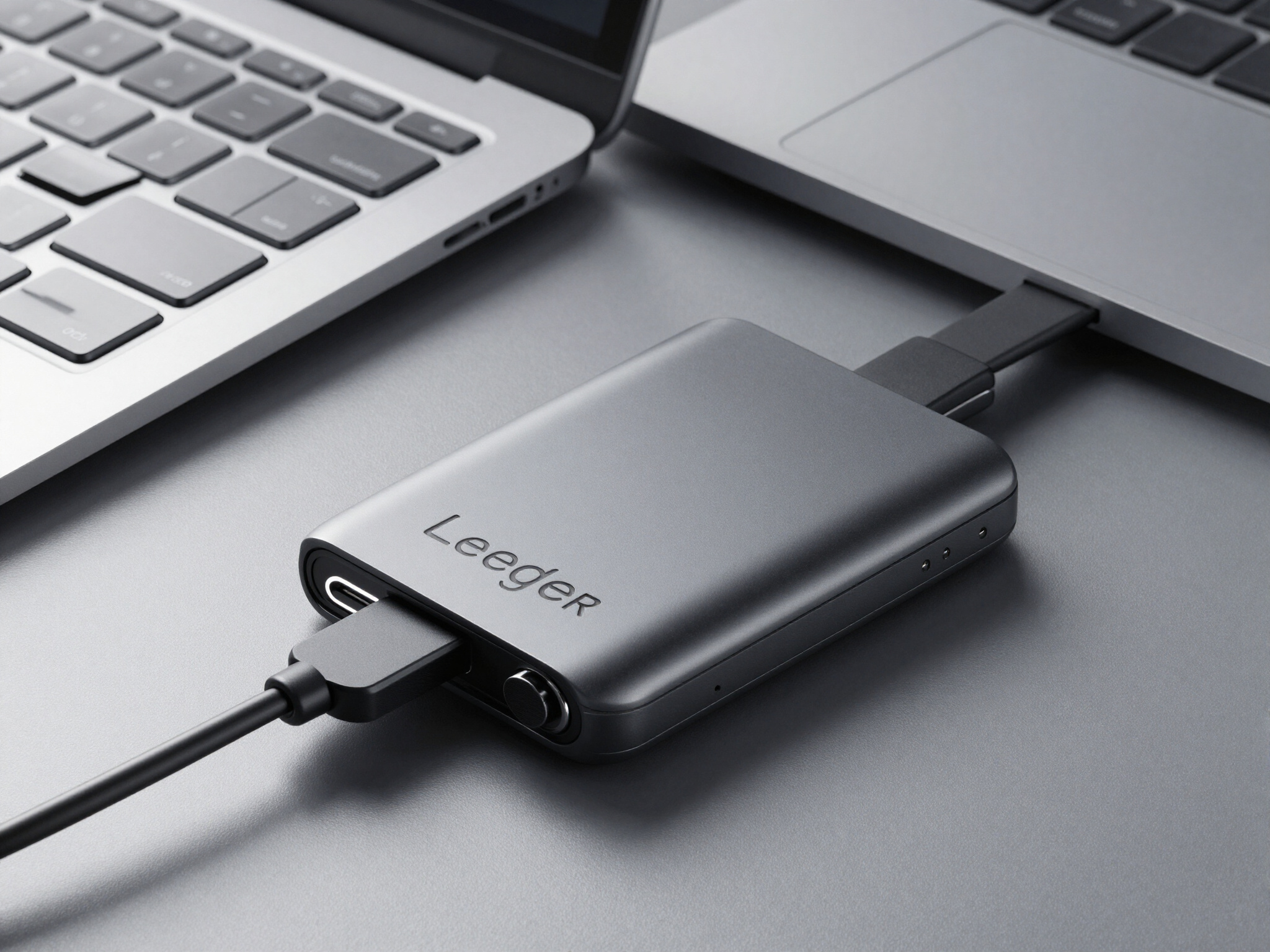
Connect your Ledger device to your computer via USB-C. The hardware will automatically detect the connection and initiate the secure pairing process.
02
SECURE RECOVERY
Enter your 24-word recovery phrase on the Ledger Live application. This phrase is the only key to accessing your funds and managing your wallet.
03
CONFIGURATION
Complete your setup by selecting your preferred cryptocurrency and configuring security settings. Your Ledger Live application is now ready to use.
SECURE ELEMENT
Our Ledger devices feature a dedicated Secure Element chip, a tamper-proof silicon core that isolates your private keys from the rest of the system. This proprietary architecture ensures that even if your device is lost or stolen, your assets remain completely inaccessible to unauthorized parties. By combining hardware security with a proprietary operating system, we provide a clinical, high-tech environment for your digital wealth.


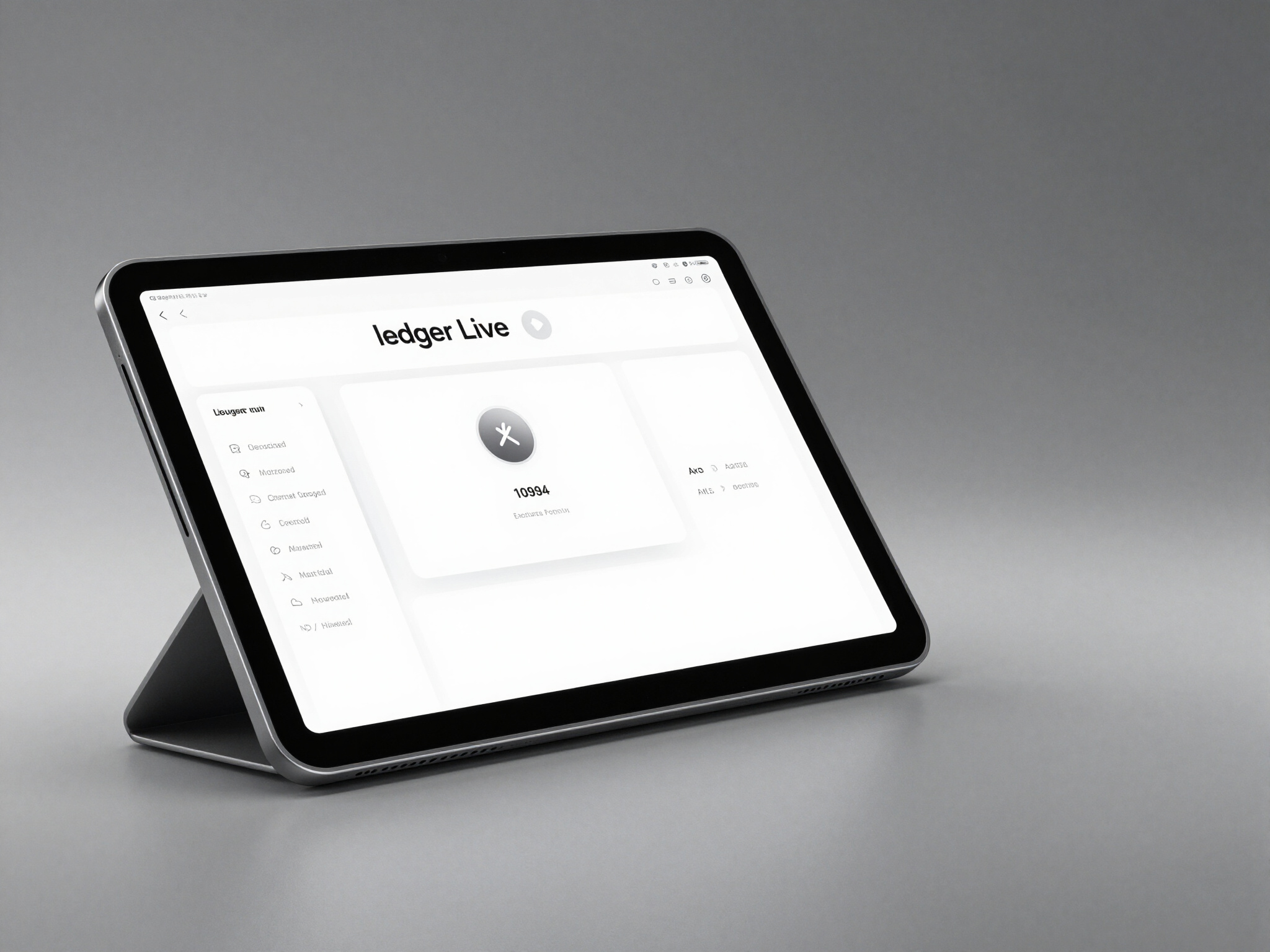
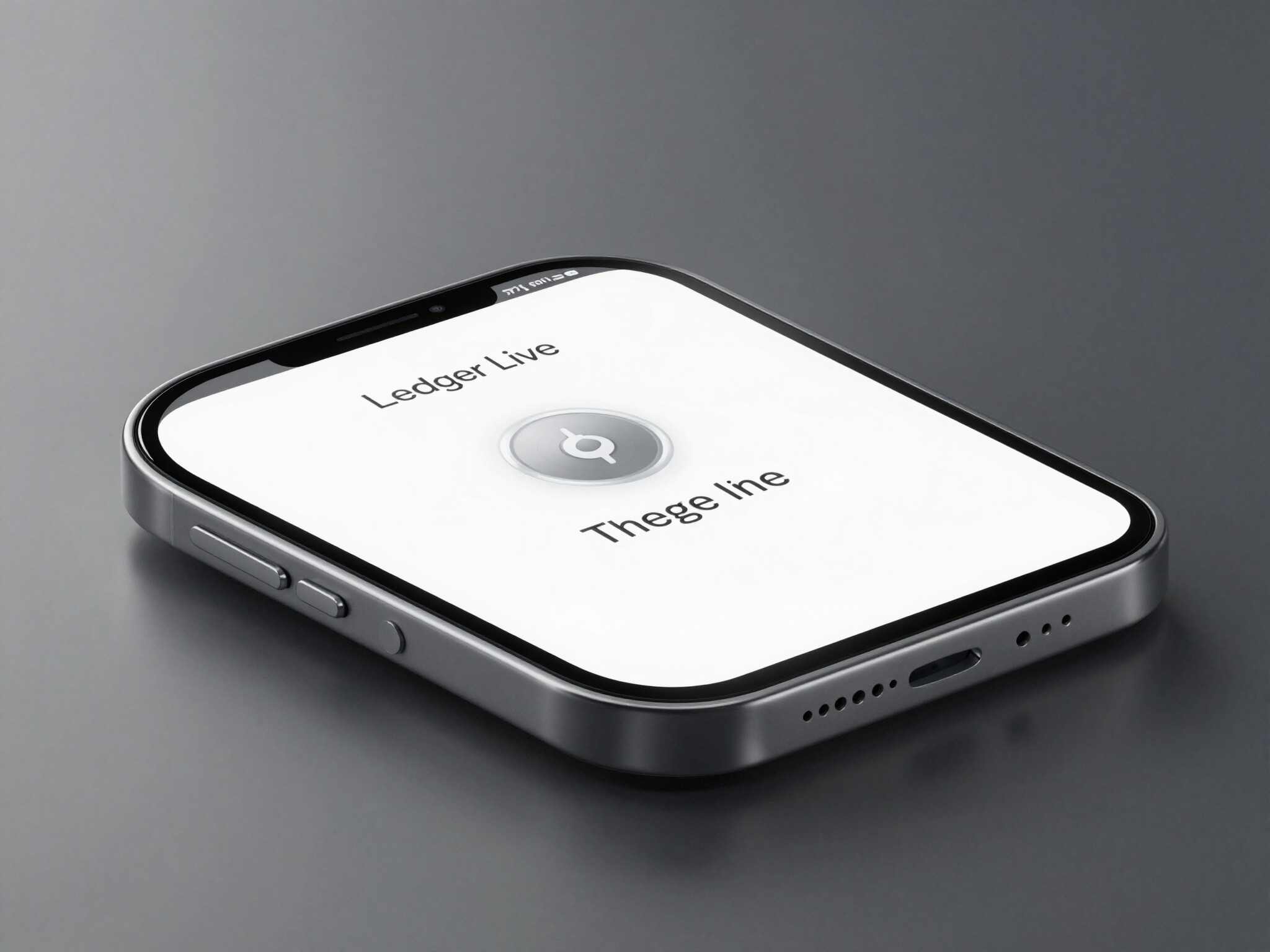
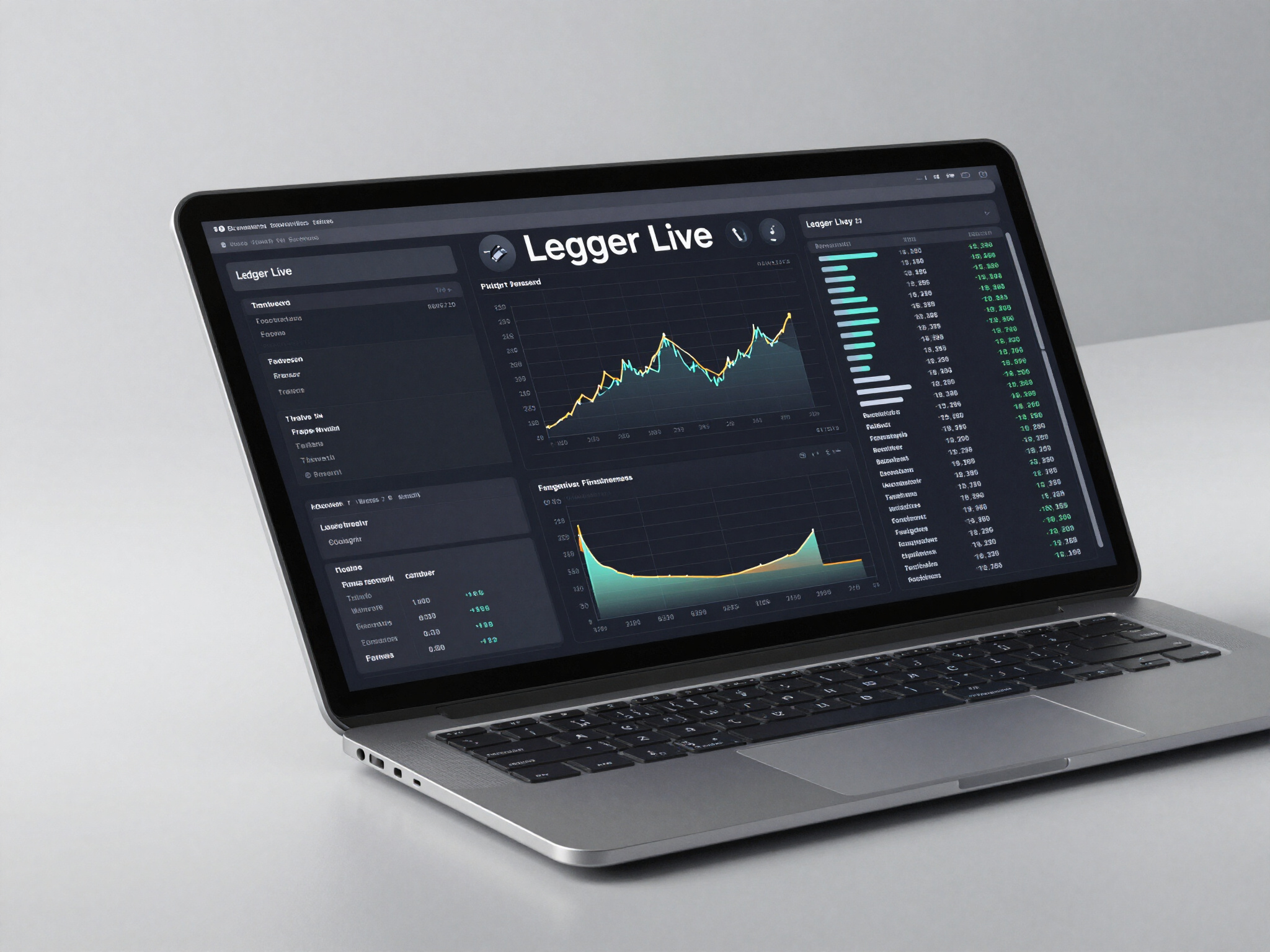
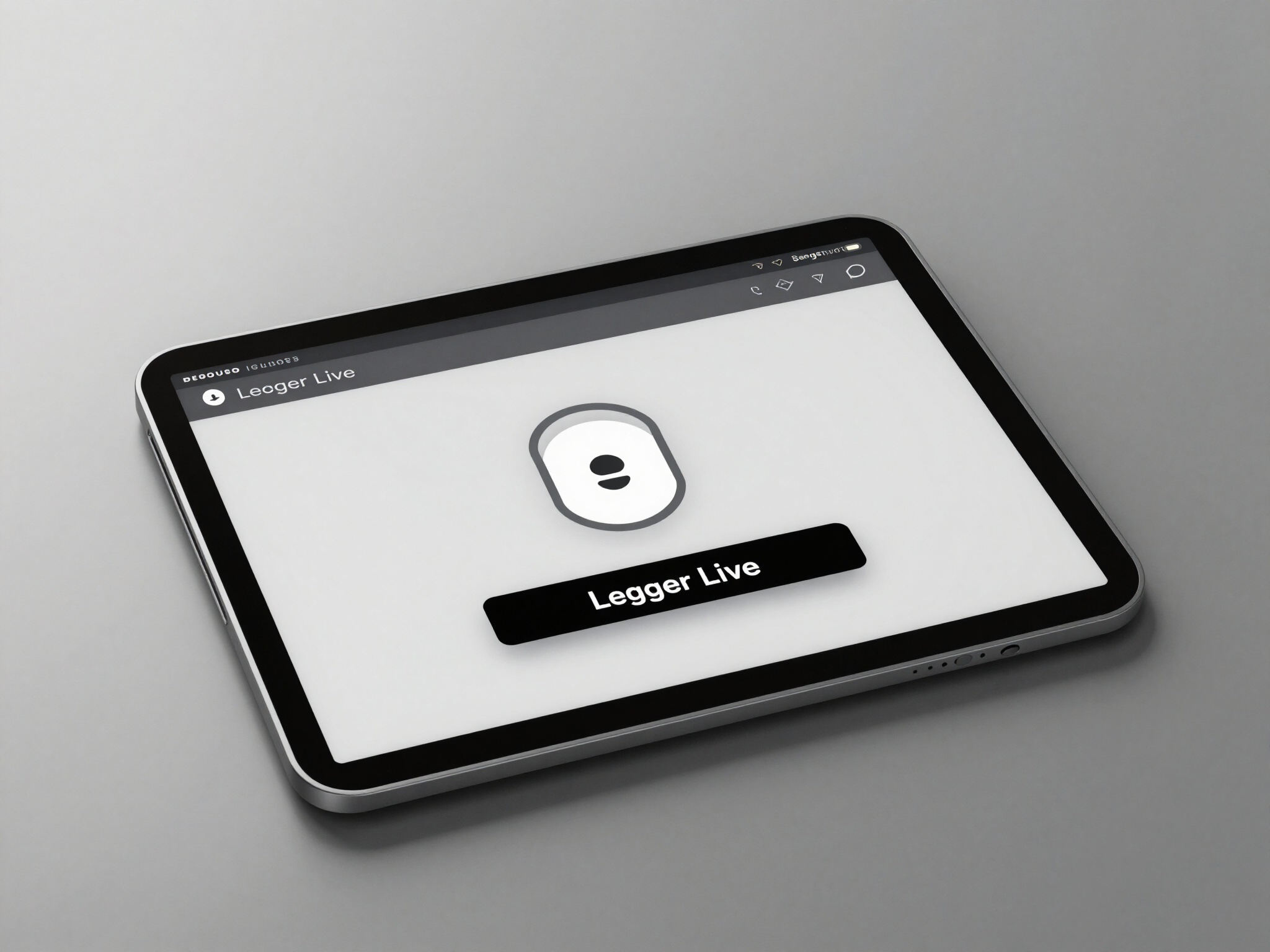
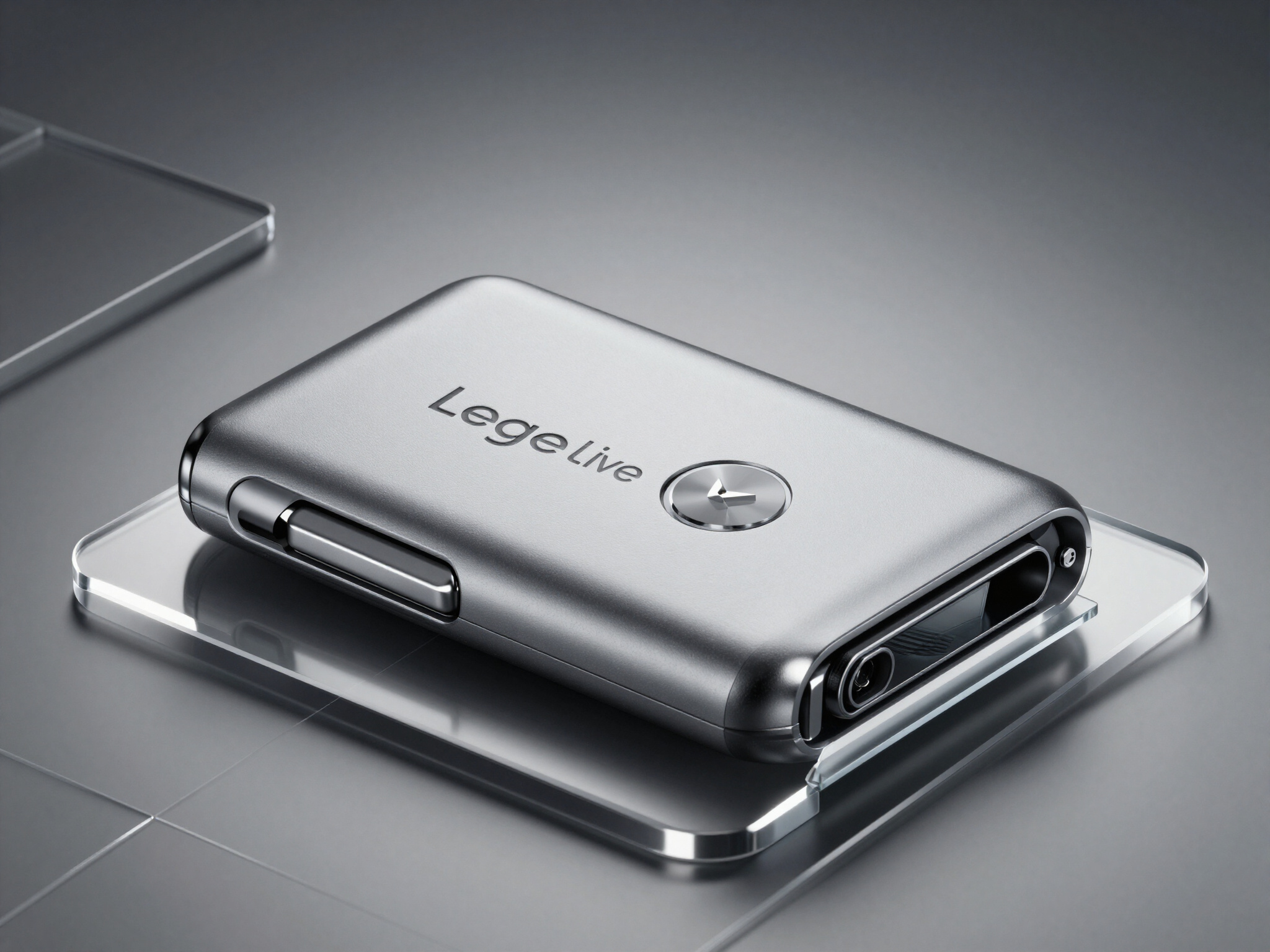
LEDGER LIVE OVERVIEW
Master your crypto assets with Ledger Live. A secure, industrial-grade interface designed for high-tech management, seamless asset acquisition, and robust portfolio growth.
SUPPORT
Expert technical assistance for Ledger hardware security. Our engineers are available 24/7 to guide you through firmware updates, recovery processes, and hardware troubleshooting.
support@ledger.com
+1 (800) LEDGER-1